

Design a simple game
Let Your Child Create Games Instead of Just Playing Them.

Why this training
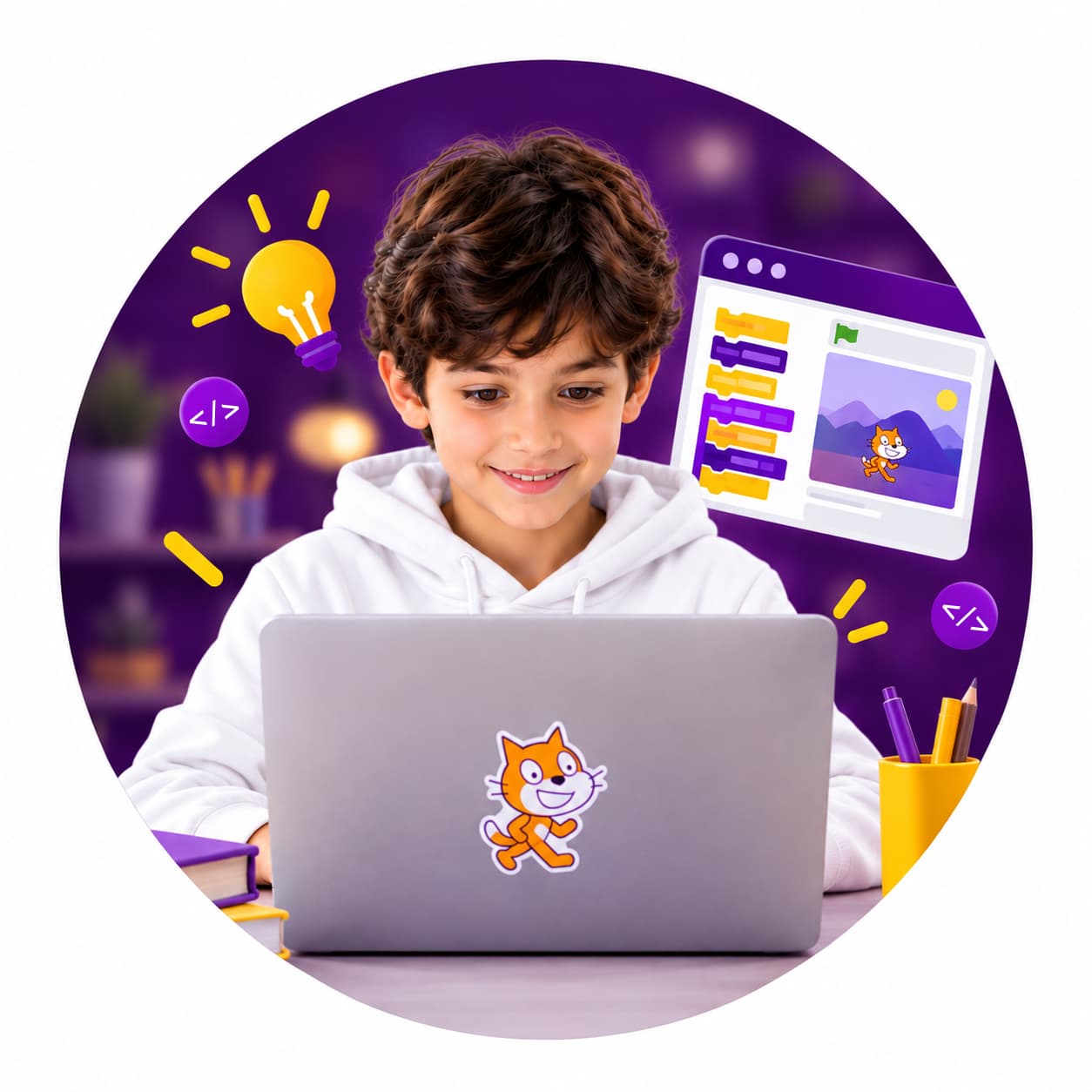
Your Child Spends Hours in Front of a Screen... What If Part of That Time Could Become Learning?
Consumes digital content instead of creating it.
Has curiosity and creativity, but needs the right environment to channel them.
May find coding complicated when taught through traditional methods.
Is growing up in a world where digital skills are becoming increasingly important.
Now, let's turn that screen time into something meaningful.
The solution
This Is Where Your Child Starts Building Their First Project.
Instead of learning coding through theory, children learn through hands-on practice and project-based learning.
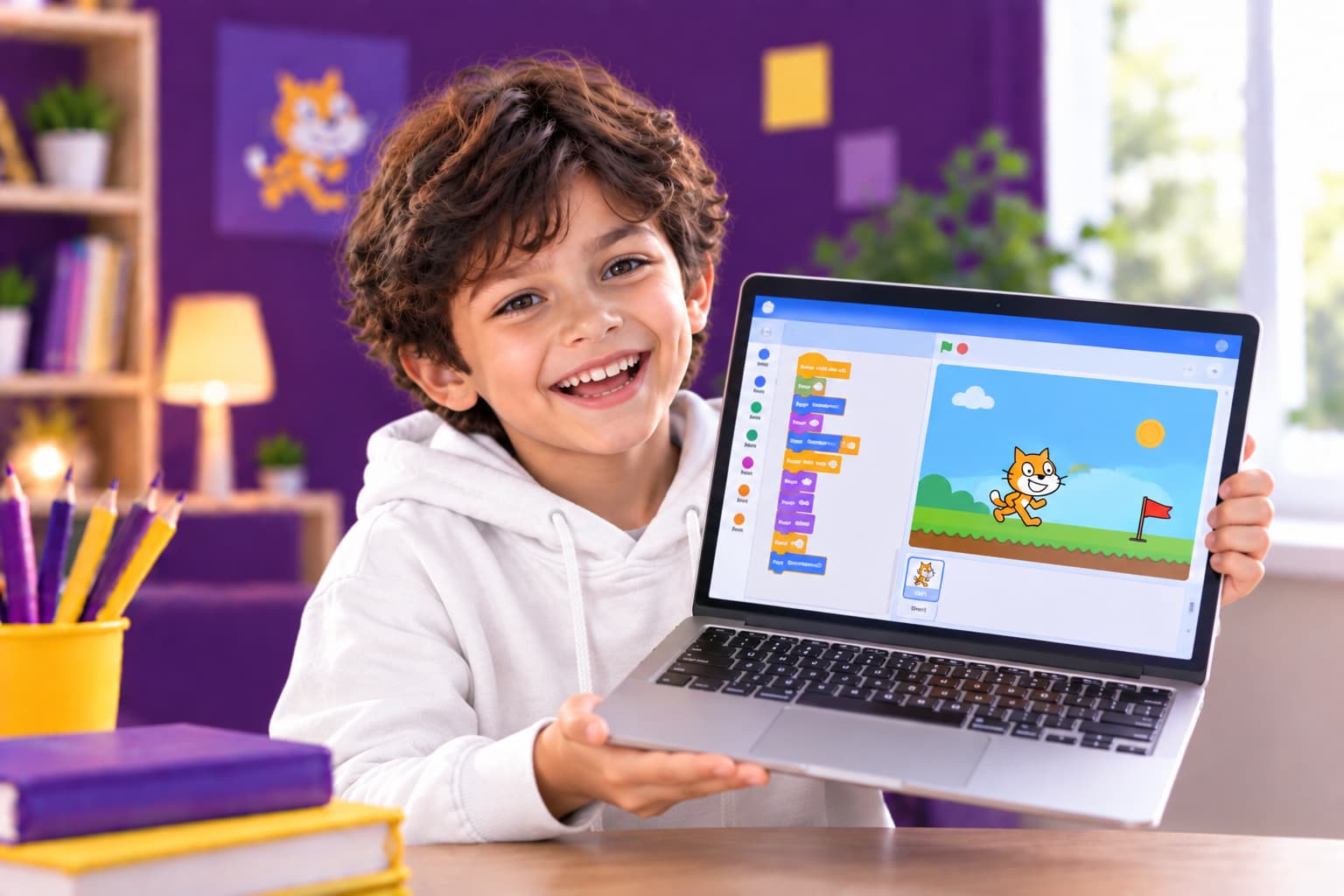
Create characters and scenes
Build an interactive story
Learn logic and problem-solving
Turn their ideas into digital projects
The curriculum
What Will Your Child Learn?
01
Coding Fundamentals
Understand commands and basic programming logic in a simple and engaging way.
02
Logical Thinking
Learn how to break problems down into steps and find solutions.
03
Game Design
Create interactive games independently.
04
Digital Creativity
Turn ideas and imagination into stories and digital projects.
05
Problem-Solving
Learn through experimentation, identify mistakes, and improve projects.
06
Digital Confidence
Move from simply using technology to creating with it.
The tool
Why Start with Scratch?
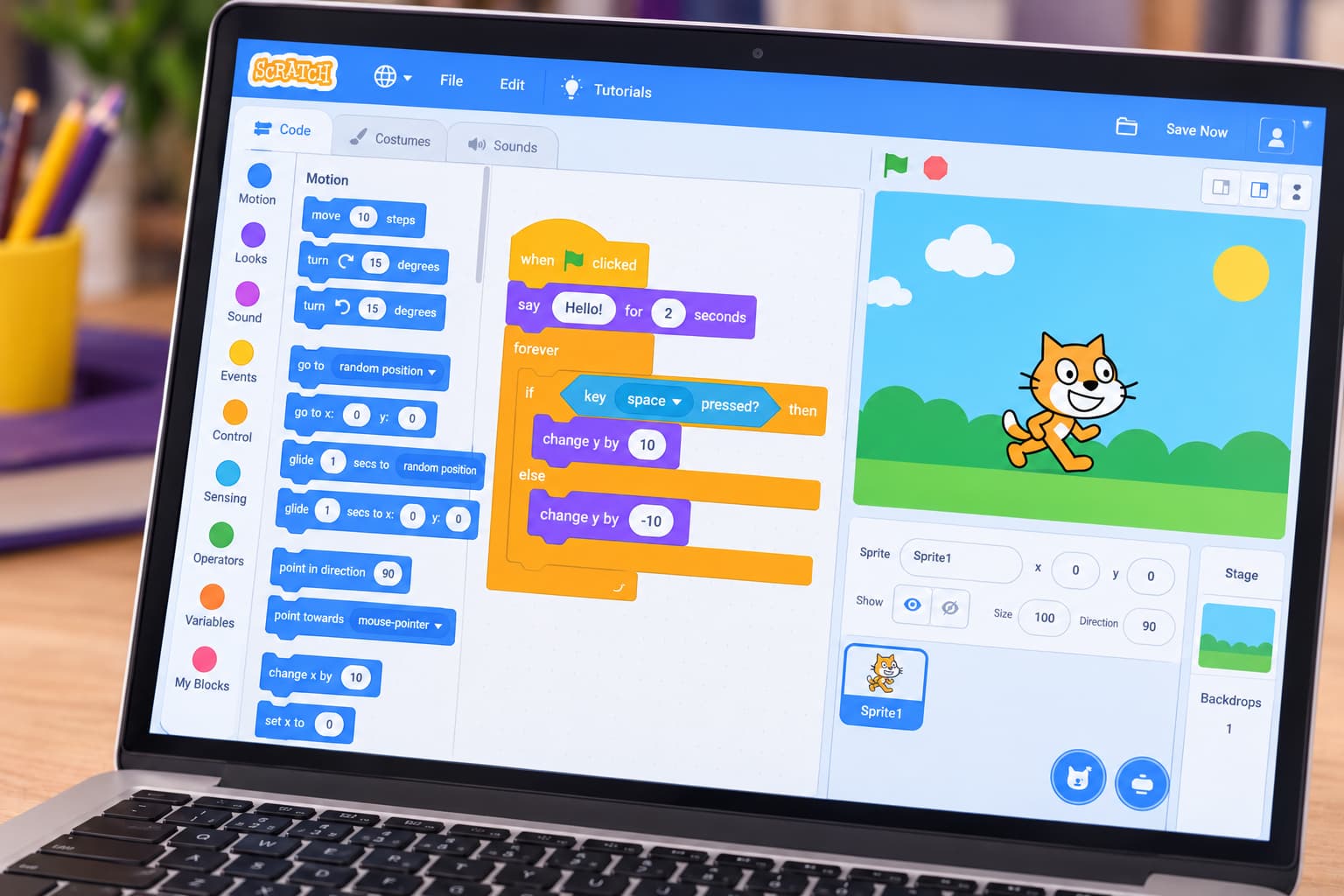
Scratch is specifically designed to introduce children to programming concepts through a visual interface, allowing them to build programs by connecting blocks instead of writing complex code.
The method
From an Idea to Their First Game in 4 Steps
This makes the learning experience practical and tangible, rather than just another online course.
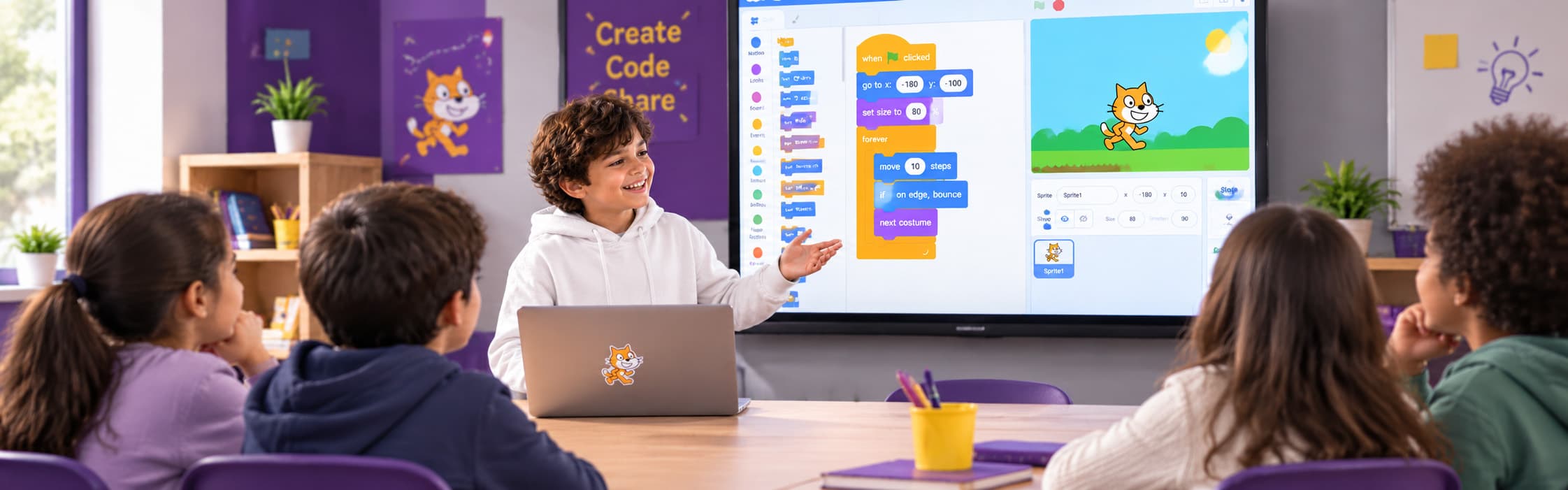
Learn
Discover a new programming concept.
Apply
Use it immediately in a hands-on project.
Build
Develop an interactive game or story.
Share
Present their project and receive feedback.
Results
What Will Your Child Take Away from the Program?
We don't want your child to finish the program with just information. We want them to leave with real work they can show.
Digital projects they built themselves
A fundamental understanding of programming concepts
Stronger logical-thinking skills
Hands-on problem-solving experience
Greater confidence using technology
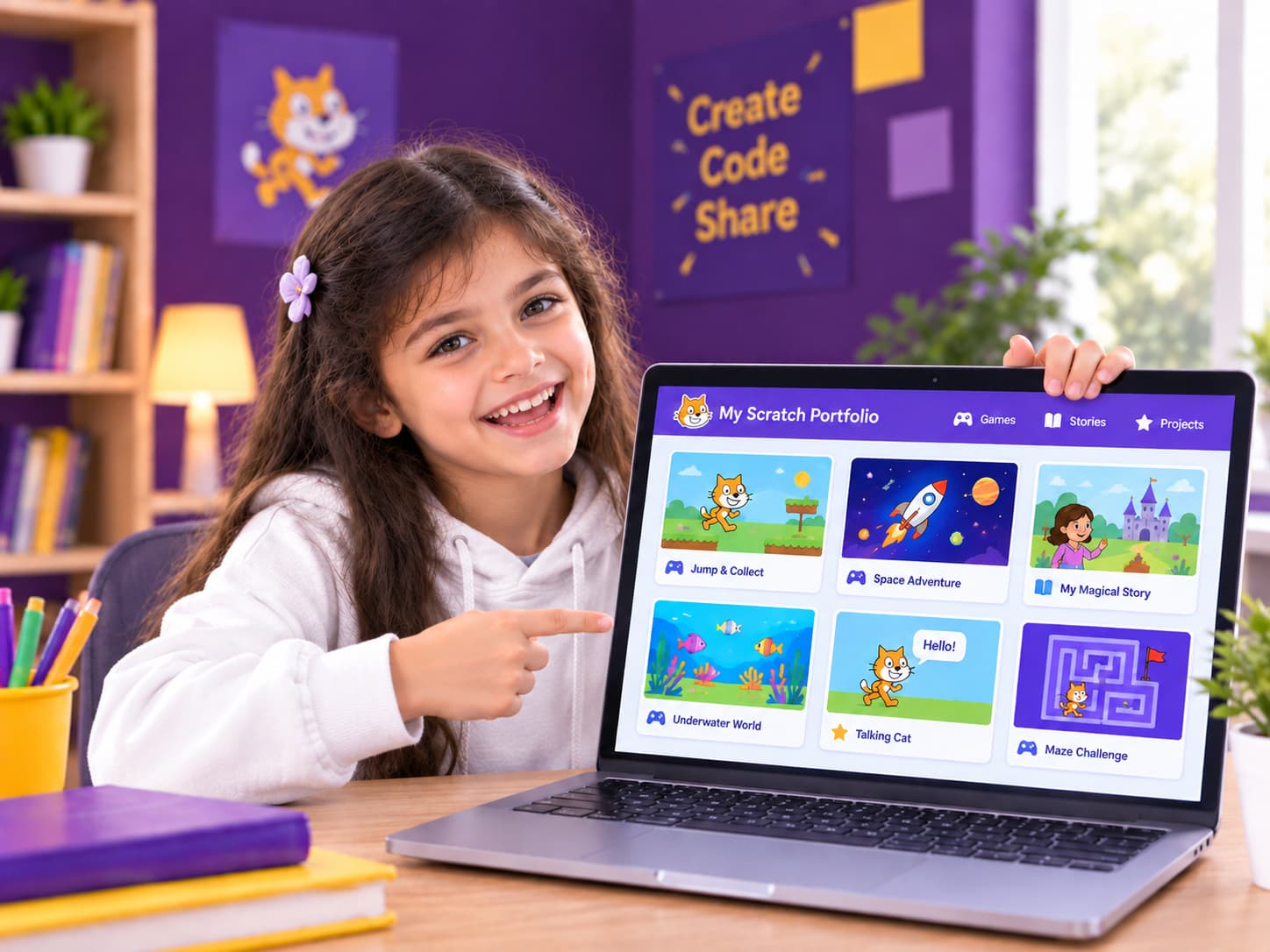
A simple portfolio they can continue developing in the future
For parents
As a Parent, What Can You Expect?
Know exactly what your child is learning.
Follow their progress.
See the projects they have created.
Understand the skills they are developing.
Give your child a practical learning experience instead of simply letting them watch videos.
Ready to Help Your Child Create Their First Digital Project?
Program
Scratch for Kids
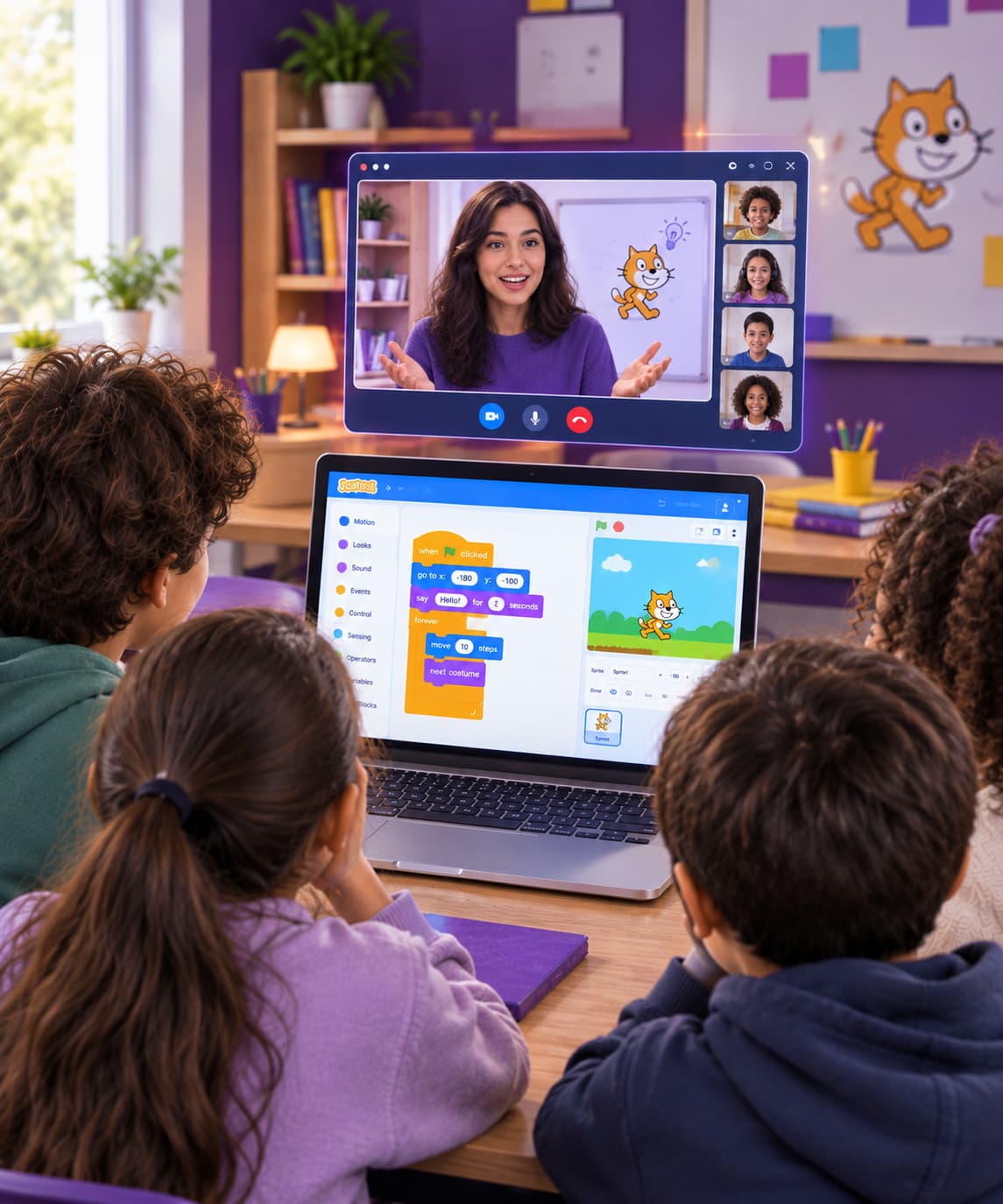
- Live training sessions
- Program duration shared at enrollment
- Online / In-person
- Hands-on projects
- Certificate of completion
- Parent support & progress updates
Price
Contact us for pricing
Ages 9–15Certificate of completionLive sessions
FAQ
Questions Parents Usually Ask
No. The program is designed for beginners.
Get In Touch
Let's Start aConversation
Have questions about Tellescope? We're here to help. Reach out and our team will get back to you as soon as possible.
info@tellescope.org
Location
Dubai, UAE
Business Hours
Sun - Thu: 9AM - 6PM